Learn while playing
Early missions introduce controls, features and objectives.
INTRODUCTORY GUIDE
This page summarises what is in the game and how to begin. You do not need to know every Metin2 system beforehand.
OVERVIEW
Create a character, choose a kingdom and play in a shared world. Missions, combat, trading and group activities advance your character. More complex systems unlock as you progress and remain documented in the wiki.
Early missions introduce controls, features and objectives.
PvE, PvP, trading and side activities remain separate paths.
The wiki, drop panels and maps help you find what you need.
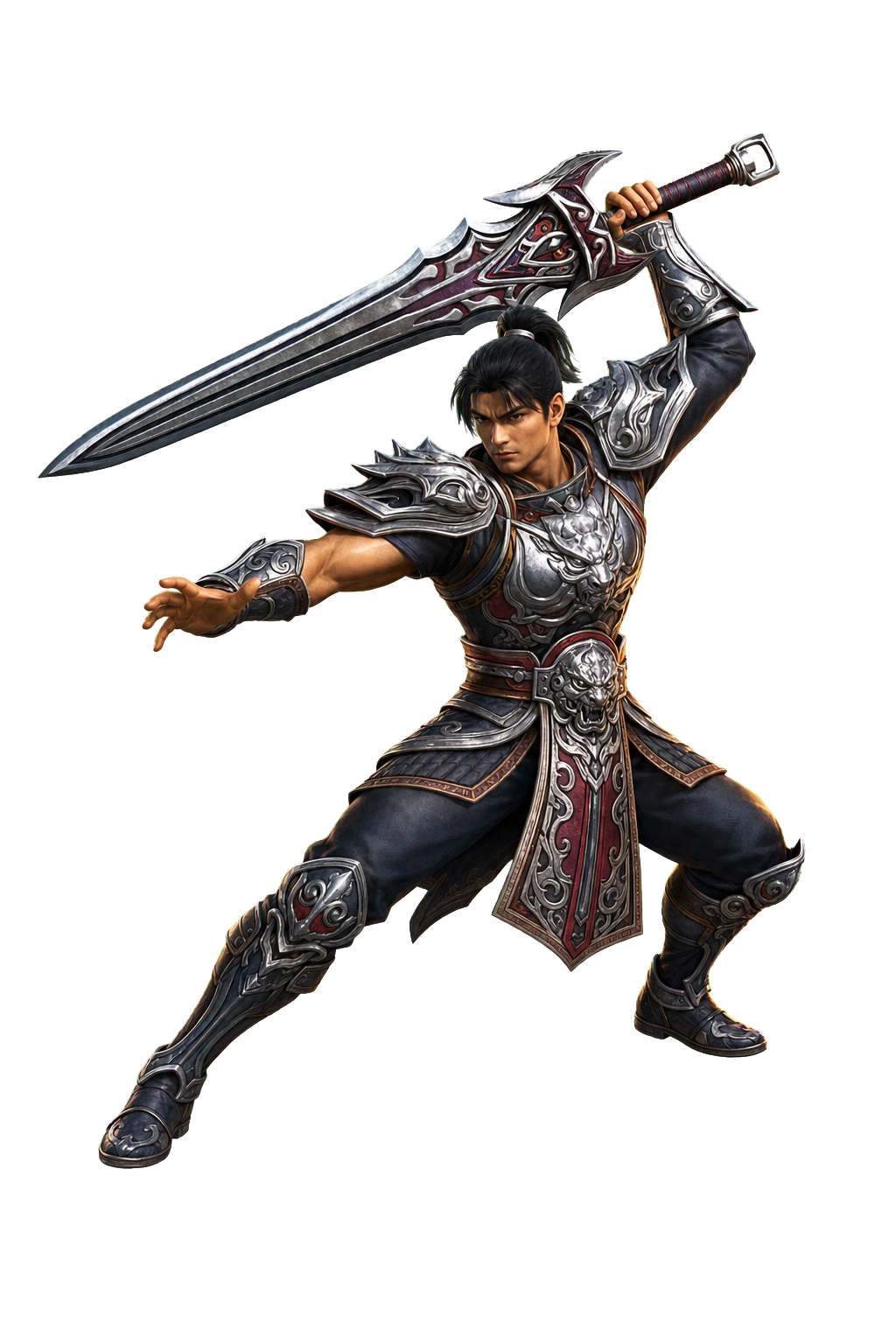
Close combat, defence and heavy weapons.
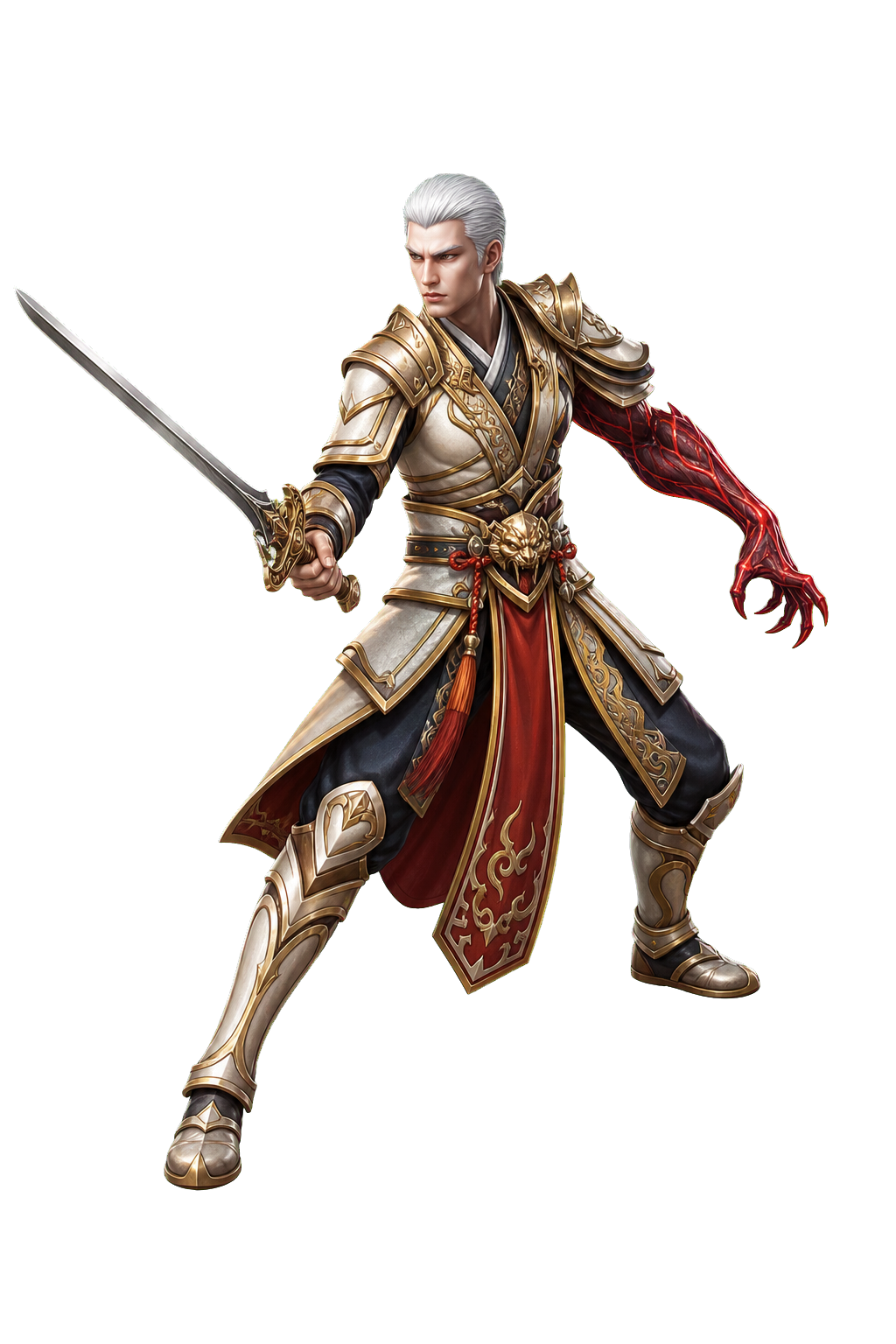
Sword and dark magic, with PvE and PvP specialisations.

Fast dagger attacks or ranged combat.
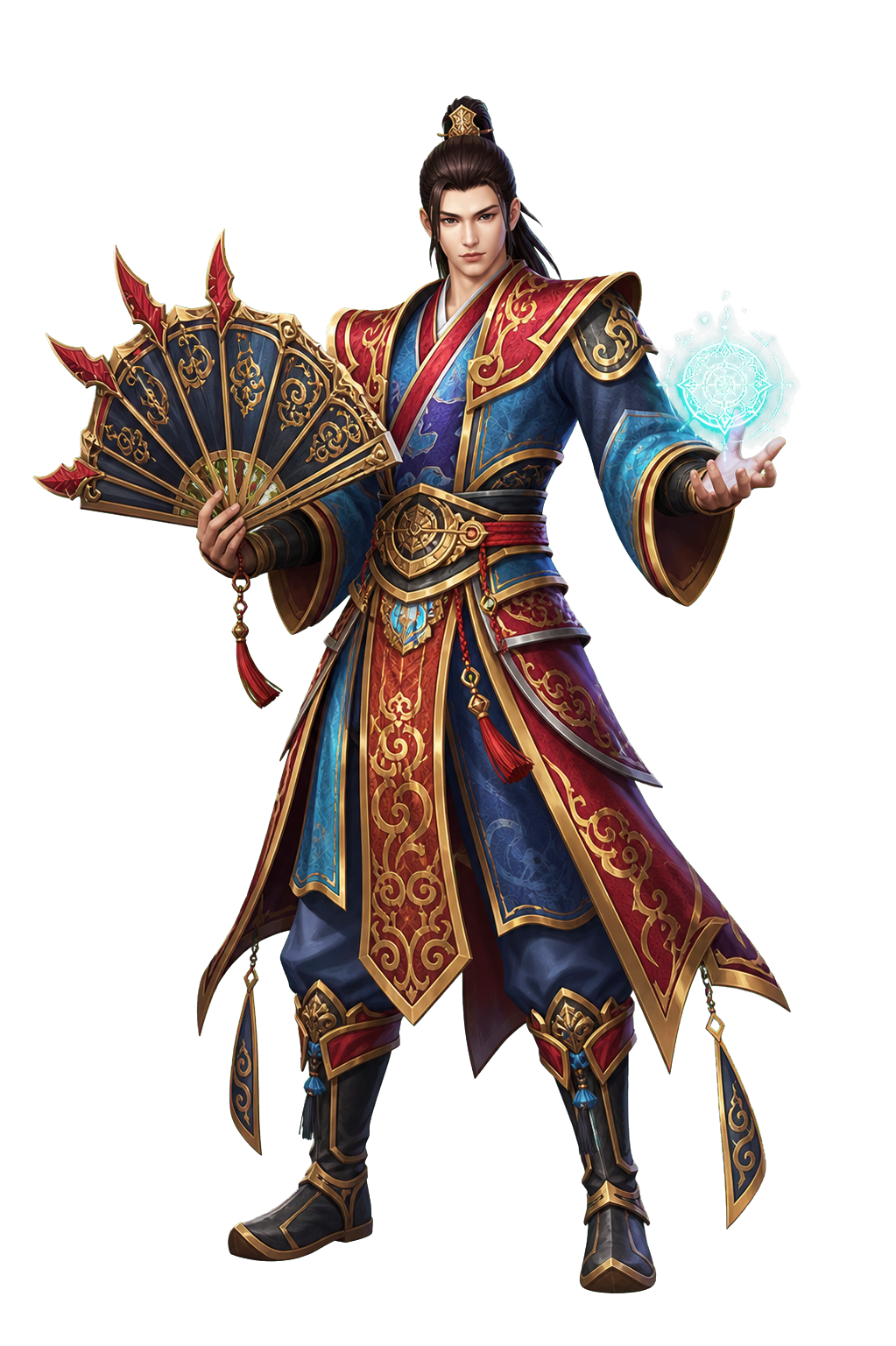
Spells, group support, fans and bells.
STEP 1 · CHARACTER
Kingdom and character
You can begin in Jinno or Shinsoo. This choice sets your kingdom, starting town and community, but neither option is inherently better. If you play with friends, choose the same kingdom.
STEP 2 · STORY
Main campaign
The story is split into twelve chapters and begins in the shared County. Missions explain the areas, introduce characters and gradually teach the main features. Important choices are recorded in your journal.
STEP 3 · COMBAT
PvE and PvP
PvE includes Metin stones, bosses, dungeons and hunting objectives. In PvP you can join duels, rankings, guild wars, bounties and special modes. Target panels show useful information and rewards.
STEP 4 · PROGRESSION
Progression and builds
Level and equipment are only part of progression. Talents, Biologist, Monster Cards, Alchemy, Runes, Aura, Gems and Talismans let you specialise. You are not expected to manage them all at once.
STEP 5 · ECONOMY
Market and professions
Your offline shop stays open after you leave. You can search offers across channels, check price history and post orders. Fishing, gathering, mining and archaeology provide other ways to obtain materials.
STEP 6 · COMMUNITY
Community and quality of life
Guilds, voice chat, private messages and events support group play. Extended inventory, loot filters, channel switching and an informative map reduce repetitive tasks. Pets and mounts progress with your character.
STEP 7 · CLIENT AND SECURITY
Client and account security
The DirectX 11 client improves lighting, shadows and weather effects. Loading is optimised for maps and crowded battles. From the account panel you can enable 2FA to require a temporary code in addition to your password.
HOW THEY CONNECT
Missions unlock activities, combat rewards can be sold, and guilds let you tackle group objectives.
START PLAYING
Create your account, download the client and start the first missions. The campaign will introduce the features you need as you progress.